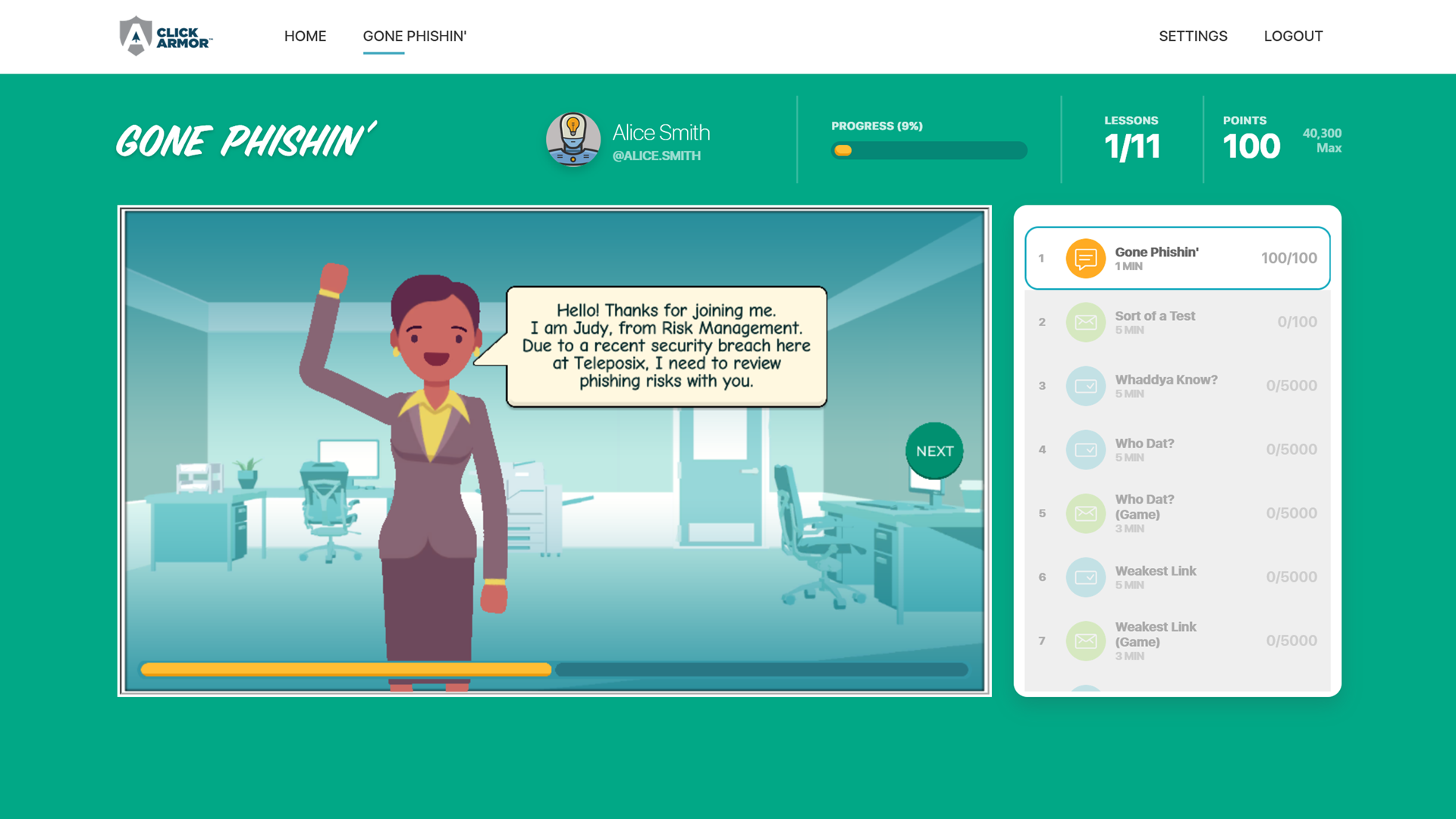
The interactive security training platform for Human Risk Management
Create more secure employee behavior…
-
-
-
- Remediate the “clicker” problem, without annoying employees
- Achieve better employee participation through engagement
- Ensure more retention of knowledge for threats and risks
- Build a more positive and inclusive security culture
-
-
Featured In





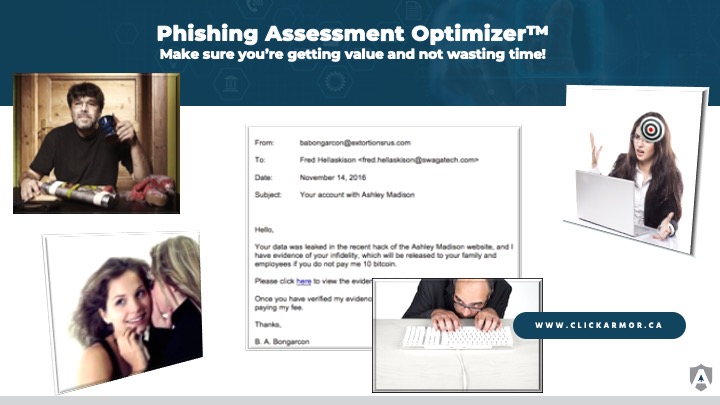
Optimize your phishing simulations
It’s hard to get good value from a phishing simulation program if it is not optimized to minimize wasted time, generate meaningful data and avoid embarrassing and costly employee backlash.
Engage employees rather than shaming them.
Reduce end-user vulnerability.
Increase participation.
Platform
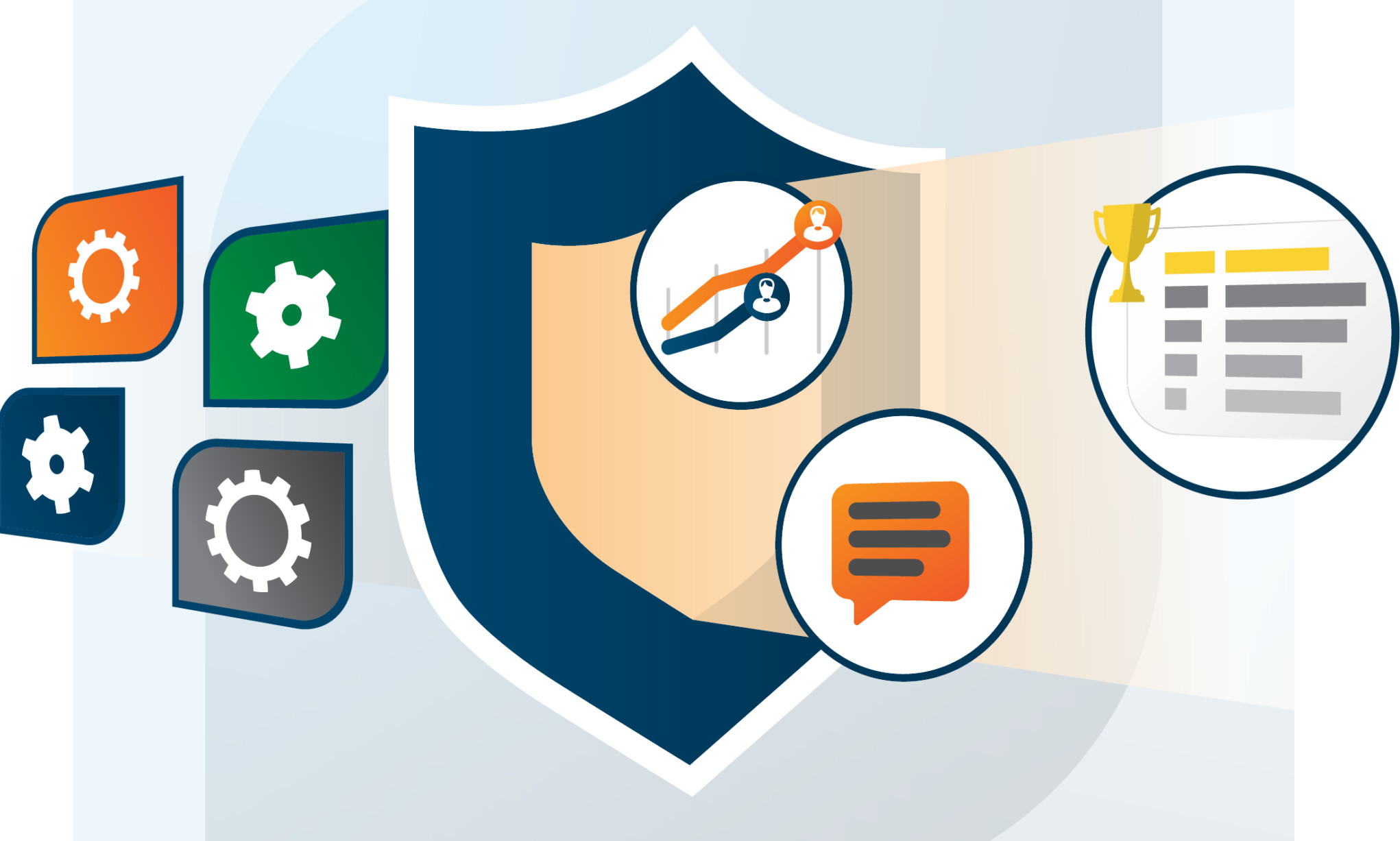
The Click Armor’s interactive platform and content features employ proven psychological drivers that make it easy, quick and fun for employees to be constantly engaged.
Services
If you need assistance in creating an engaging awareness program, or just making your current program more effective, we can help.

Click Armor is proud to have been accepted as a member of Canada’s first cyber security startup accelerator.
Calian has been successfully using the Click Armor platform to heighten our corporate security awareness for the past 18 months. Keys to that success have been Click Armor’s gamification approach, the quality of the course content, and their willingness to tune the course material to make it more real for Calian employees.
Engagement and relevance keep the students interested and learning, and that makes them more knowledgeable and more ready to identify and react to security threats. Our objective was always to increase our corporate security readiness and Click Armor helps us do just that.
Before we started using Click Armor, it was always a struggle to keep our office staff educated on cyber security threats. But with this gamified approach over the past year, it’s been a “super-fantastic” experience to see people learning and talking about security threats. Click Armor has really helped improve our corporate culture and reduce our employees’ vulnerability.
ClickArmor takes the mundane task of Security Awareness Training and make it fun and engaging.
Click Armor’s challenges really covered a lot of how attacks happen, in a nice quick session anyone could work through over their morning coffee or while waiting for a meeting to start. Excellent work!
I have just completed the security awareness training. I think your e-learning/gaming platform is a lot of fun and a bit addictive. There is a competition going on in the office to see who can get the highest score, and I learned a lot along the way.
The Click Armor gamified security awareness platform provides an engaging learning experience for our employees and generates metrics for our management team to be able to monitor the cyber security awareness improvements in our organization. Security awareness is a key security function in our information security management system, and Click Armor is an important part of its success.
News and Insights
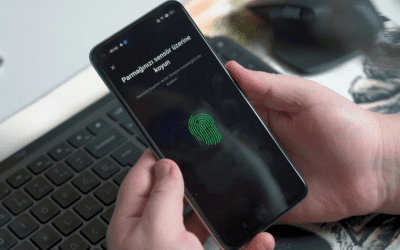
Cyber Lingo: What is biometric authentication?
As businesses are evaluating new authentication strategies you may be wondering, what is biometric authentication? And is it the right one for us? Every business is different, so there is no straight-up answer for which authentication process is best for everyone. But...

The XZ backdoor: What security managers can learn
The recent XZ backdoor attack is the perfect example of the increasing use of supply chain attacks. In 2023, Cyber Security Magazine reported that supply chain attacks were up 633%. The reason? It’s harder for businesses to monitor third-party tools than it is for...

Small business cyber security guide: What you should prioritize & where you should spend your budget
Welcome to our Small Business Cyber Security Guide. Many small businesses are just starting out and don’t have the same resources large corporations have to protect their data. Not only do they likely not have the funds to support a diverse security program, but they...
Cyber Security
Phishing Defense
Phishing threatens businesses and opens the door to ransomware. Fight phishing and spear phishing attacks with gamified learning.
Social Engineering Defense
Social engineering scams are a serious hazard to businesses. Fight back with Click Armor.
Cyber Security Awareness for Remote Workers
Home-based workers are vulnerable to cyber attacks. Build team immunity today.
Privacy and Compliance
PCI Compliance Awareness
When team members work in an environment where they may encounter cardholder data, they need to know what to do to protect it.
Gamified HIPAA Compliance Awareness
If your business is a supplier to a healthcare provider in the USA or Canada, your team needs to know what to do to protect Protected Health information (PHI).
Gamified Learning Platform
Active Awareness Platform
Experience the power of tailored gamified learning with Click Armor. Take your security awareness training to the next level.